
QSO Memory Book
A logger records the QSO. QSO Memory Book remembers it.
A Windows desktop application for preserving memorable amateur-radio contacts and the stories behind them. Capture the practical details of the contact, then preserve why the QSO mattered.
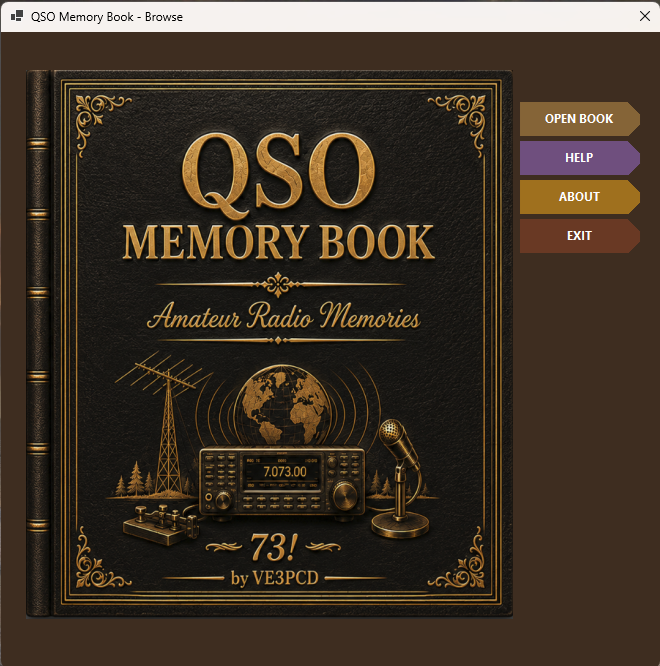
More Than a Log Entry
QSO Memory Book is deliberately different from a conventional amateur-radio logger. Its focus is not merely recording that a contact happened, but remembering the contact, the operator and the story that made the QSO worth keeping.
The application combines a physical two-page book presentation with live radio information, callsign lookup, QSO details, personal memory notes, QSL or photo imagery, search and a browsable collection of saved memories.
The Contact
Keep the useful station and QSO information together on the left-hand book page.
The Memory
After the contact, write why the QSO mattered while the conversation is still fresh.
The Operator
Preserve personal details that may make the next contact with that station more meaningful.
Features
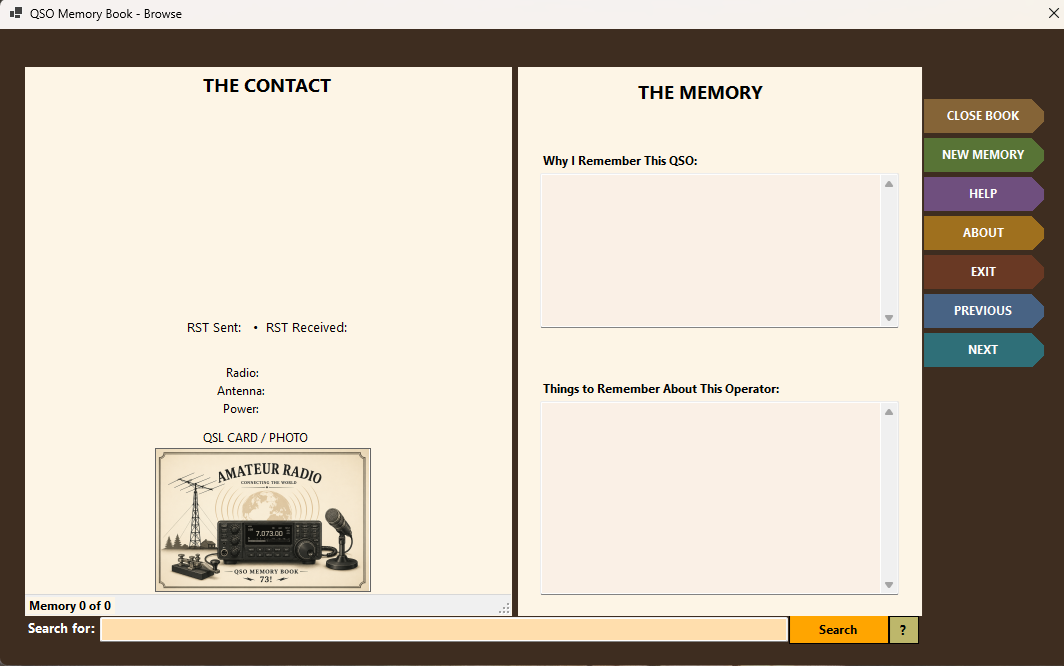
A Real Two-Page Memory Book
Browse mode presents THE CONTACT on the left and THE MEMORY on the right. Permanent side tabs keep navigation outside the paper pages so the saved memory remains clean and readable.
Browse your memories: PREVIOUS and NEXT move through saved memories, while the search field helps locate contacts in the collection.
Live Radio Information
Omni-Rig Rig1 supplies live radio connection status, main VFO frequency, amateur band and operating mode.
HamQTH Lookup
Enter the other station’s callsign and use LOOKUP to retrieve available operator information through HamQTH.
QSL / Photo
A dedicated QSL card or photo area provides visual identification where available.
Memory Notes
Record why the QSO was memorable separately from useful details about the operator.
Saved Collection
Bookmark completed memories into the local QMB database and revisit them later as book pages rather than rows.
Search
Search the saved-memory collection from inside the book interface.
From Live QSO to Memory
The QMB workflow deliberately separates working the contact from writing the story. During the QSO, concentrate on the conversation. When it ends, the book changes focus from LIVE QSO to THE MEMORY.
1. Start a New Memory
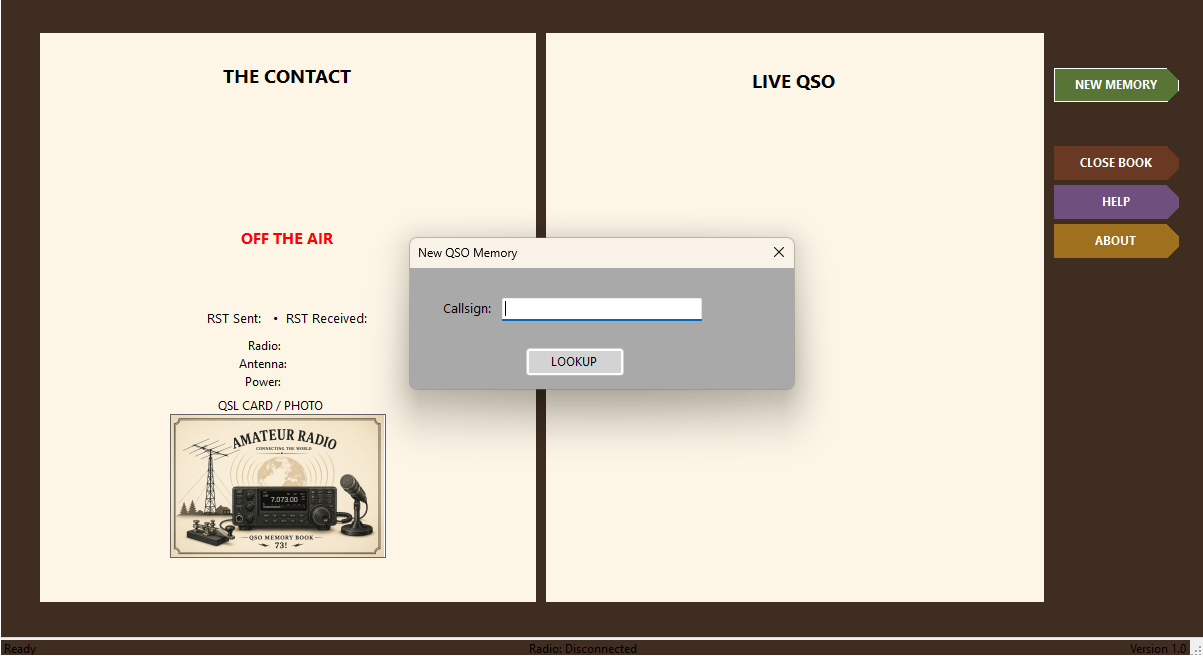
Select NEW MEMORY, enter the callsign and choose LOOKUP. QMB prepares a fresh active memory and enters LIVE QSO mode.
2. Work the Contact
During the QSO, capture useful details such as RST, radio, antenna and power while frequency, band and mode follow the radio through Omni-Rig.
3. End the QSO
Select END QSO. The right-hand page changes from LIVE QSO to THE MEMORY so you can write the story and operator notes.
4. Bookmark It
After reviewing the completed contact and memory, BOOKMARK THIS QSO commits it to the saved-memory collection.
Setup
Windows PC
QSO Memory Book runs as a Windows desktop application.
Omni-Rig
Configure Omni-Rig Rig1 for the radio connection used by QMB’s live frequency, band and mode display.
Internet for Lookup
HamQTH callsign lookup requires an Internet connection when retrieving available operator information.
Download
QSO Memory Book Version 1.00 is the current release.