
My Inventory Manager
Know what you own. Know where it is. Find it fast.
A practical Windows desktop inventory system for recording, organizing, locating and maintaining the things you own — from home and workshop property to electronics, computers and amateur-radio equipment.
Book Closed
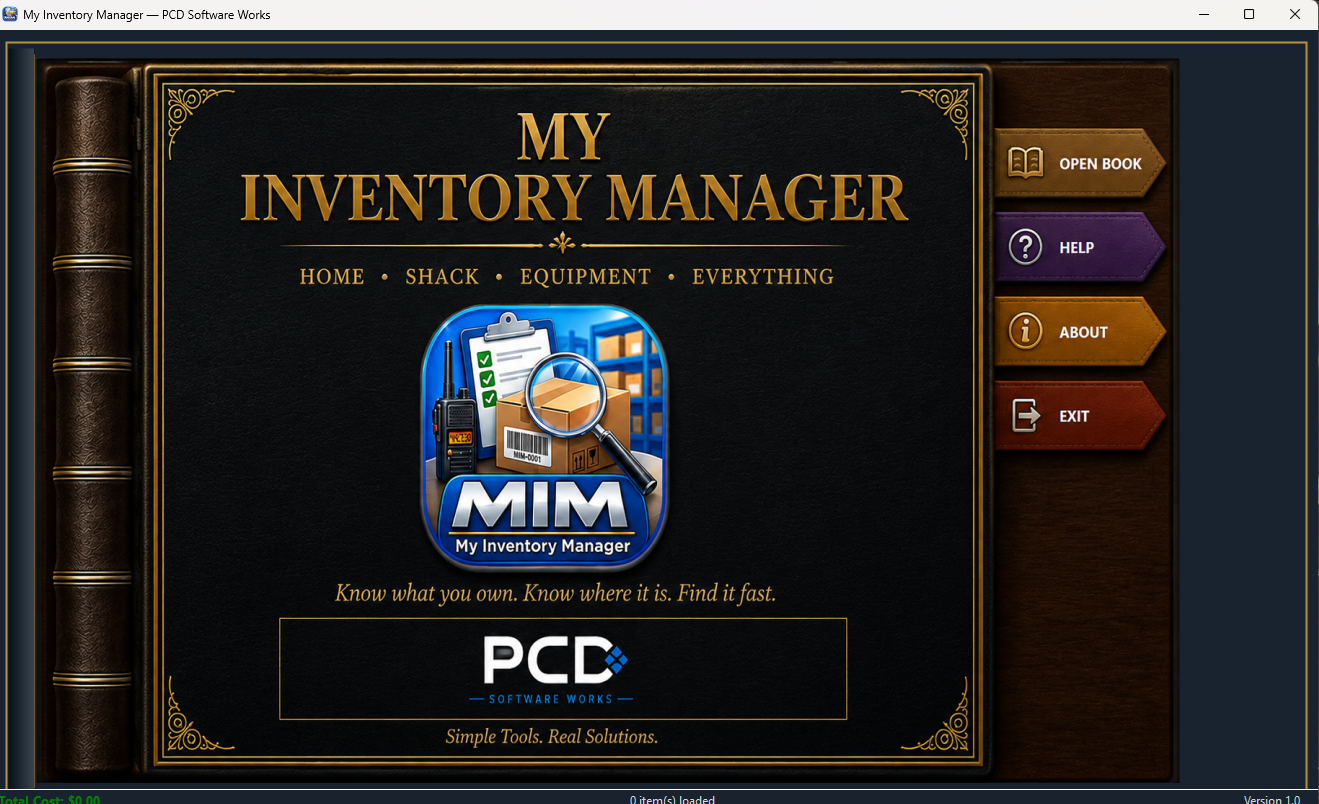
Book Open
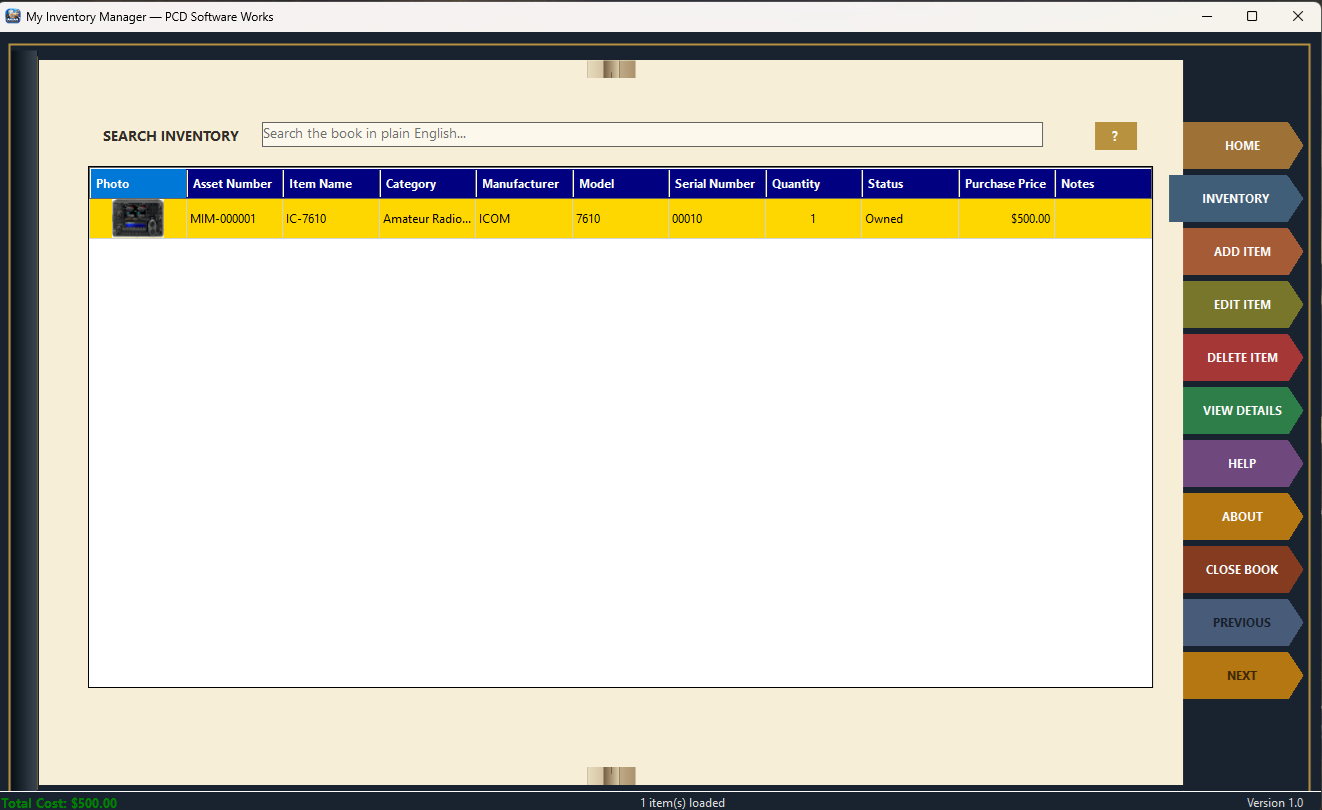
Your Inventory, Organized Like a Book
My Inventory Manager keeps detailed information about your property in a local Windows application without requiring a cloud service. Add the information that matters for each item, then browse, update or search the collection when you need it.
Home & Workshop
Keep household, workshop, stored property and general equipment organized in one inventory.
Shack & Electronics
Record radios, test equipment, electronics and other technical gear with useful identifying details.
Know Where It Is
Record item locations so the inventory helps you find property instead of simply proving that you own it.
Features
Inventory at a Glance
The HOME spread gives you a quick summary of the inventory, including item, category and location counts plus inventory value information.
Quick Access
Open the inventory, add a new item or go directly to FIND AN ITEM without working through complicated menus.
Detailed Records
Store identification, category, manufacturer, model, serial number, quantity, purchase, warranty, condition, location, ownership, sale, maintenance, documentation and notes.
Asset Numbers
Maintain a clear MIM asset identity for inventory records.
Item Photographs
Associate a photograph with an item for quick visual identification.
Add, Edit & View
Create records, update them as information changes and open detailed views when you need the complete item history.
Purchase & Warranty
Keep vendor, purchase date, price, invoice or order information and warranty details with the item.
Sale & Ownership
Record sold status, sale information, buyer details, lending and ownership information without losing the item’s history.
Intelligent Search
The centerpiece of MIM is Intelligent Search. Instead of learning database commands or building complicated filters, type a practical phrase in the Search Inventory box and let MIM interpret the information it recognizes.
Search the Way You Think
Try ordinary requests such as Find NanoVNA, Show all radios, Find all Icom radios, Where are my Acer laptops? or Find all radios in living room.
Combine Useful Details
Search can use recognized information such as manufacturer, category, vendor, location, sold or unsold status, buyer information, shipping method and keywords.
Setup
Windows PC
My Inventory Manager runs as a Windows desktop application.
Create Your Password
On a clean installation, MIM prompts you to create a password for access to the application.
Build Your Inventory
Use ADD ITEM to create your first record, then enter as much information as is useful for that particular item.
Local Data
The working inventory database and managed images are kept in the current Windows user’s local application-data area.
Back It Up
Your inventory may represent years of purchases, serial numbers and locations, so regular backups of the MIM data and images are important.
No Cloud Required
MIM is designed as a local desktop application and does not require a cloud inventory service.
Download
My Inventory Manager Version 1.00 is the current release.